📊 Service: GoAccess (Logging Analytics)
Location: /mnt/pool01/homelab/services/ops-stack/goaccess
GoAccess is a real-time web log analyzer that provides a visual dashboard for the Caddy reverse proxy. This specific configuration operates strictly in LAN-Only mode.
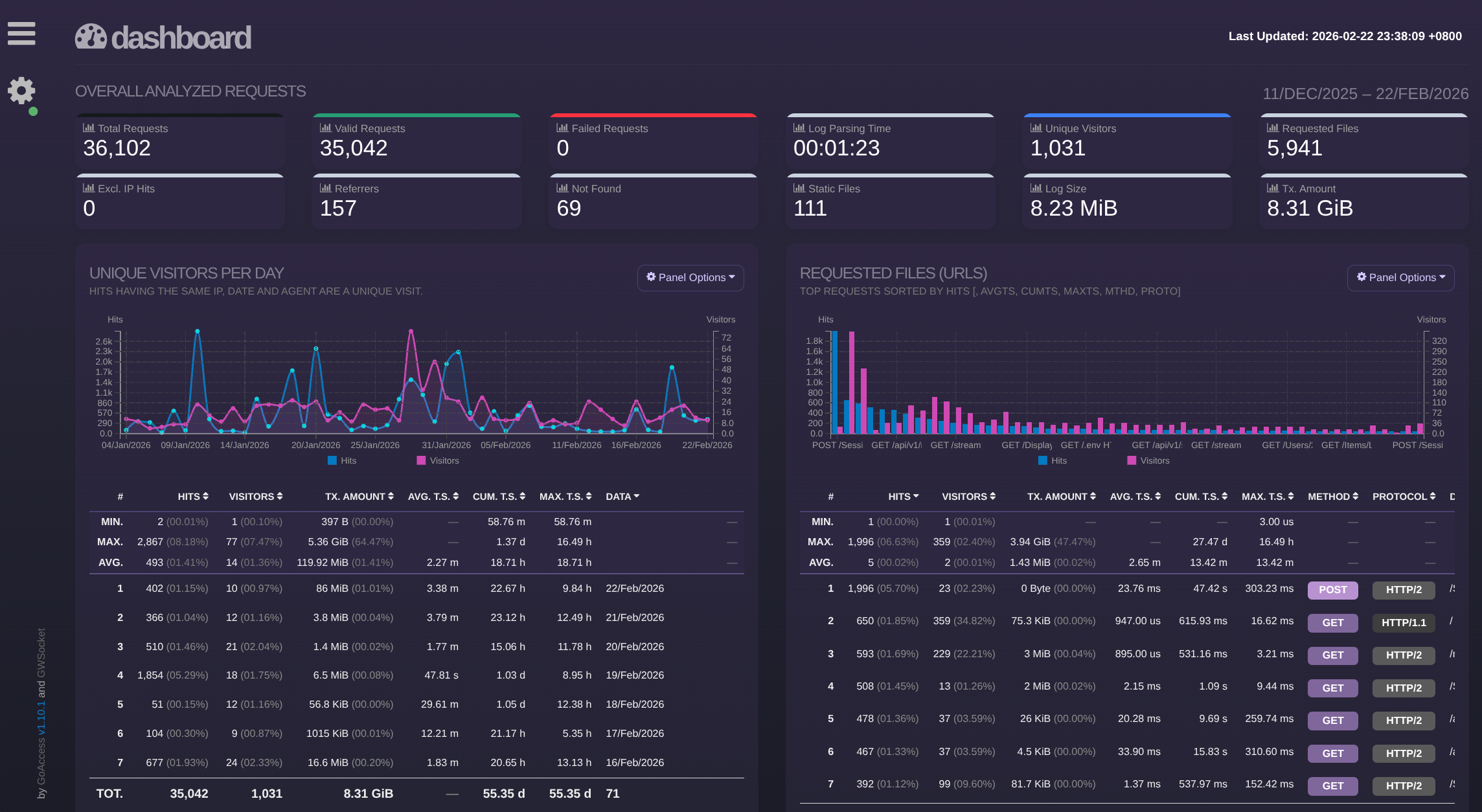
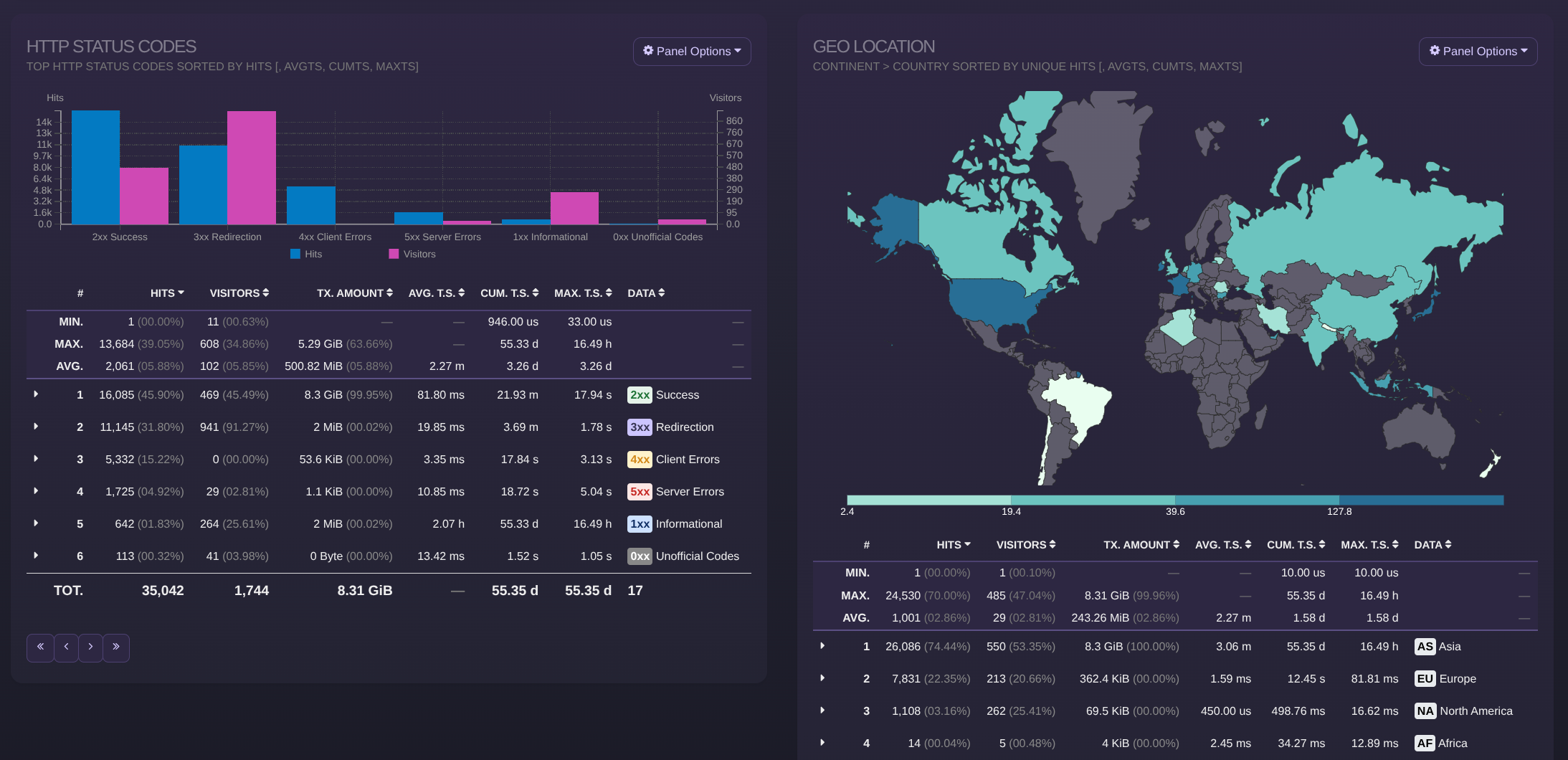
Docker Compose
networks:
  dockerapps-net:
    external: true
# ------------------------------------------------
# GOACCESS (Logs)
# ------------------------------------------------
services:
  goaccess:
    image: allinurl/goaccess:latest
    container_name: goaccess
    networks:
      dockerapps-net:
        ipv4_address: 172.20.0.29
        ipv6_address: fd00:dead:beef:2::29
    ports:
      # Changed to 7891 to free up 7890
      - "7891:7891"
    environment:
      - PUID=${PUID}
      - PGID=${PGID}
      - TZ=${TZ}
    volumes:
      # READ LOGS (Point to Caddy's folder)
      - /mnt/pool01/homelab/services/gateway-stack/caddy/logs:/var/log/caddy:ro
      - ./data:/srv/data
      - ./html:/srv/report
      # MAXMIND (Read from Caddy's folder)
      - /mnt/pool01/homelab/services/gateway-stack/caddy/maxmind:/srv/maxmind:ro
    tmpfs:
      - /var/www/goaccess
    command: >
      /var/log/caddy/access.log
      --log-format=CADDY
      --real-time-html
      --addr=0.0.0.0
      --port=7891
      --output=/srv/report/index.html
      --db-path=/srv/data
      --persist
      --restore
      --geoip-database=/srv/maxmind/GeoLite2-Country.mmdb
      --ws-url=ws://192.168.0.100:7891
      --origin=http://192.168.0.100:7890
      --exclude-ip=172.20.0.0/24
      --exclude-ip=192.168.0.0/16
      --exclude-ip=127.0.0.1
      --exclude-ip=fd00:dead:beef:1::/64
      --exclude-ip=::1
      --ignore-crawlers
    restart: unless-stopped

# 2. The Web Server (Frontend)
  report-server:
    image: caddy:alpine
    container_name: goaccess-webui
    networks:
      - dockerapps-net
    # Simple one-liner to just serve the folder
    command: caddy file-server --listen :80 --root /srv/report
    volumes:
      # Read the file GoAccess writes
      - ./html:/srv/report:ro
    ports:
      # Visit this port
      - "7890:80"
    restart: unless-stopped
Decoupled Setup
Unlike standard setups where GoAccess runs inside the web server, this stack is completely decoupled from the main Caddy gateway. It runs in its own directory with a dedicated frontend and backend, reading the gateway's logs via shared volume mounts.
Container Architecture
This stack consists of two separate containers working in tandem to overcome the challenge of serving static HTML while simultaneously streaming live data.
| Service | Container Name | Port (Host) | Role | Description |
|---|---|---|---|---|
| GoAccess | goaccess |
7891 |
Backend | Analyzes the raw logs and streams live data via WebSocket. |
| Report Server | goaccess-webui |
7890 |
Frontend | A lightweight Caddy instance that strictly serves the static HTML dashboard. |
Traffic Flow (Real-Time Sync)
To support real-time updates without exposing the backend to the public internet, we use a split-port data flow:
-
The "Visit" (Frontend): * We visit
http://192.168.0.100:7890in our local browser.- The
goaccess-webuicontainer serves theindex.htmlfile (which is just a static visual "skeleton").
- The
-
The "Stream" (Backend): * The JavaScript inside
index.htmlexecutes and opens a background data pipe.- It connects directly to
ws://192.168.0.100:7891(Thegoaccesscontainer). - Live log data is pushed to the browser via WebSocket.
- It connects directly to
Configuration & Mounts
Execution Flags
The goaccess command in the compose.yml uses specific flags to make this LAN-only setup work. I aim to not change these unless our host machine's IP address changes.
| Flag | Value | Purpose |
|---|---|---|
--real-time-html |
Enabled |
Tells GoAccess to generate an HTML file that constantly listens for WebSocket updates. |
--ws-url |
ws://192.168.0.100:7891 |
Critical: Defines the WebSocket endpoint. Must use ws:// (Unencrypted) and target the backend port 7891. |
--origin |
http://192.168.0.100:7890 |
Security: Strict CORS Allow-list. Only allows WebSocket connections initiated from the Frontend Dashboard URL. |
Cross-Stack Volume Mounts
Because this service is decoupled, it relies on files generated by the gateway-stack located in a sibling directory.
- Logs (
access.log):../gateway-stack/caddy/logs:/var/log/caddy:ro(Read-only access to parse the Caddy traffic). - GeoIP Database:
../gateway-stack/caddy/maxmind:/srv/maxmind:ro(Shared MaxMind database to map IP addresses to countries).
Troubleshooting
WebSocket Connection Failed
- Symptoms: The dashboard loads but shows a red disconnected icon in the corner.
- Cause: The browser cannot reach Port
7891. - Fix: Ensure
--ws-urlusesws://(notwss://) and that port7891is successfully exposed in yourcompose.yml.
HTTP Error 400 (Bad Request)
- Symptoms: The browser console shows
Unexpected response code: 400and data won't load. - Cause: Origin Mismatch (CORS block). The browser is visiting from an IP/URL that doesn't match the
--originflag. - Fix: Update
--originin thecompose.ymlto match our exact host machine IP or LAN DNS name (e.g.,http://192.168.0.100:7890).
Dashboard Not Updating (Stale File)
- Symptoms: We changed a configuration (like updating a port), but the browser still tries to connect to the old port.
- Cause: GoAccess failed to overwrite the old
index.htmlfile in the persistent volume. - Fix:
- Delete the stale file:
rm ./html/index.html - Force recreate the container:
docker compose up -d --force-recreate - Perform a Hard Refresh in browser (
Ctrl + F5).
- Delete the stale file: